Import
Import is used to import your data from ClientXCMS V1 or even WHMCS.
Configuration
You can manage the import configuration in Admin Panel > Settings > Extension Settings > Import
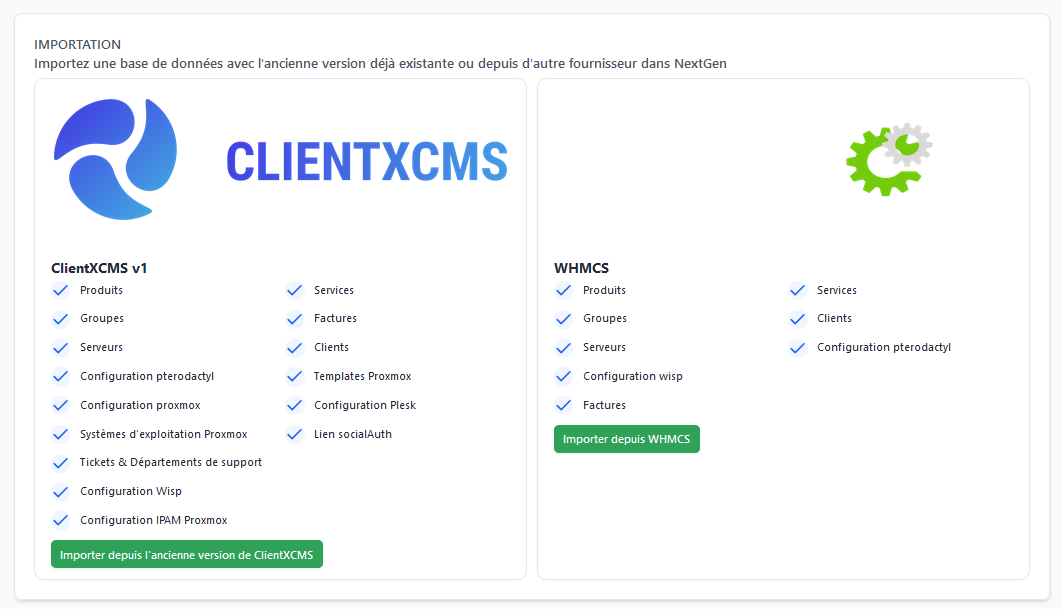
Here you can choose whether you want to transfer your data from WHMCS or ClientXCMS.
- ClientXCMS
- WHMCS
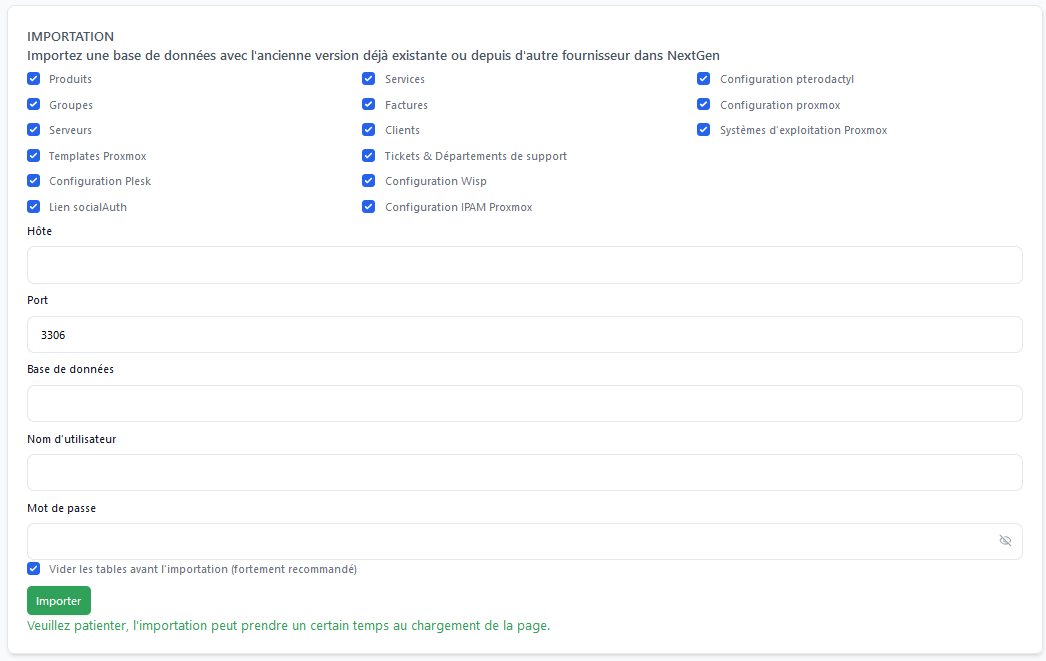
You can select the data you want to transfer to your instance.
Then we will configure access to the database where your data is located:
Host: The IP address
Port: Your MySQL server port (3306 by default)
Database: Database name
Username: Database username
Password: Database password
You can choose whether you want it to empty the database before importing.
You can click Import and the import will start.
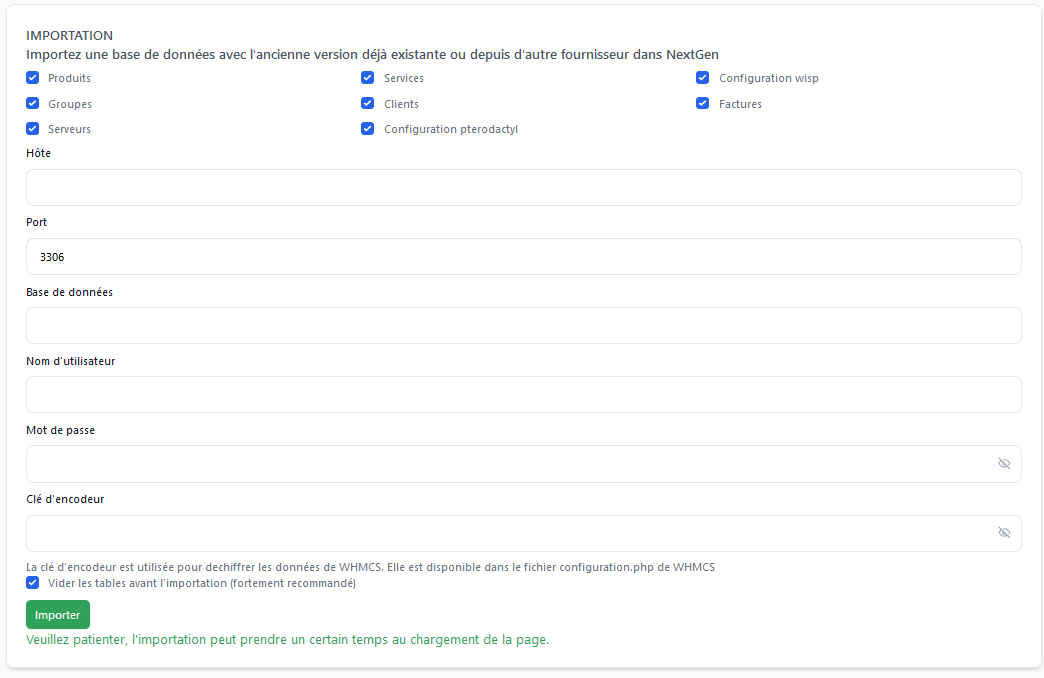
You can select the data you want to transfer to your instance.
Then we will configure access to the database where your data is located:
Host: The IP address
Port: Your MySQL server port (3306 by default)
Database: Database name
Username: Database username
Password: Database password
Encoder Key: You can find it in WHMCS configuration.php
You can choose whether you want it to empty the database before importing.
You can click Import and the import will start.