Sections
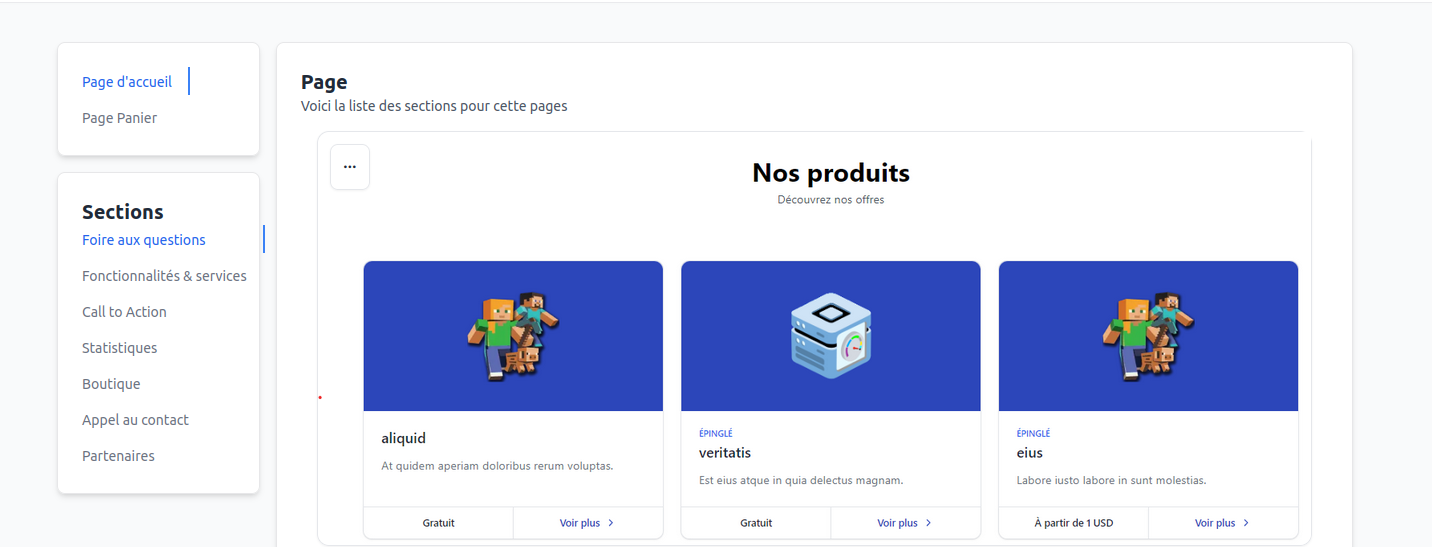
Sections are content elements that can be added to a CLIENTXCMS page. They are controlled by themes and can be customized in the administration interface from the section page in personalization settings.
Creating a Custom Section
For custom sections, you can create a sections.json file in the resources/views/sections folder of your theme. For example, for a hero section you can create a file resources/views/sections/hero.blade.php with the following content:
<section class="hero">
    <div class="hero-content">
        <h1>Welcome to {{ setting('app.name') }}</h1>
        <p>This is a default theme</p>
    </div>
</section>
And a file resources/views/sections/sections.json with the following content:
[
    {
        "path": "sections.hero",
        "uuid": "hero",
        "default": true,
        "thumbnail": "https://via.placeholder.com/150", // Hosted preview image
        "default_url": "/", // Default URL
        "section_type": 1,
    }
]
Properties
path: Section view path
uuid: Unique section identifier
default (optional): If the section is the default section
thumbnail (optional): Section preview image
default_url (optional): Default section URL
section_type: Section type