Publishing a Resource on the Marketplace
The CLIENTXCMS developer program allows creators to publish themes, modules, and addons for the community. A resource can be free or paid. As its developer, you are responsible for maintaining it, documenting how it works, supporting its users, and publishing compatible updates.
This guide covers the common publication process. See the dedicated instructions for addons and modules or themes before submitting your resource.
Activating Your Developer Area
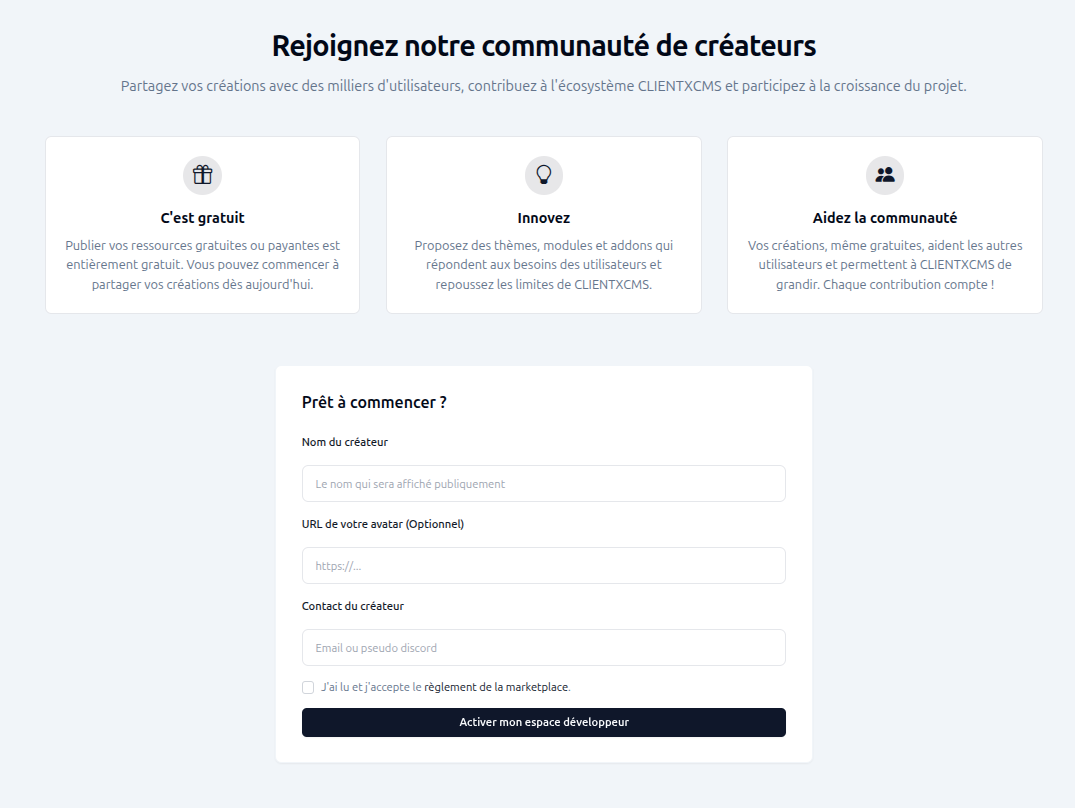
Open the CLIENTXCMS resources area while signed in. If your developer area is not active yet, complete the registration form:
- Creator name: public name displayed on your marketplace resources;
- Avatar URL: optional public URL for your profile picture;
- Creator contact: email address or Discord username customers can use;
- Marketplace rules: read and accept the rules before activating your developer area.
Choose stable public information and keep your contact details up to date.
Developer Dashboard
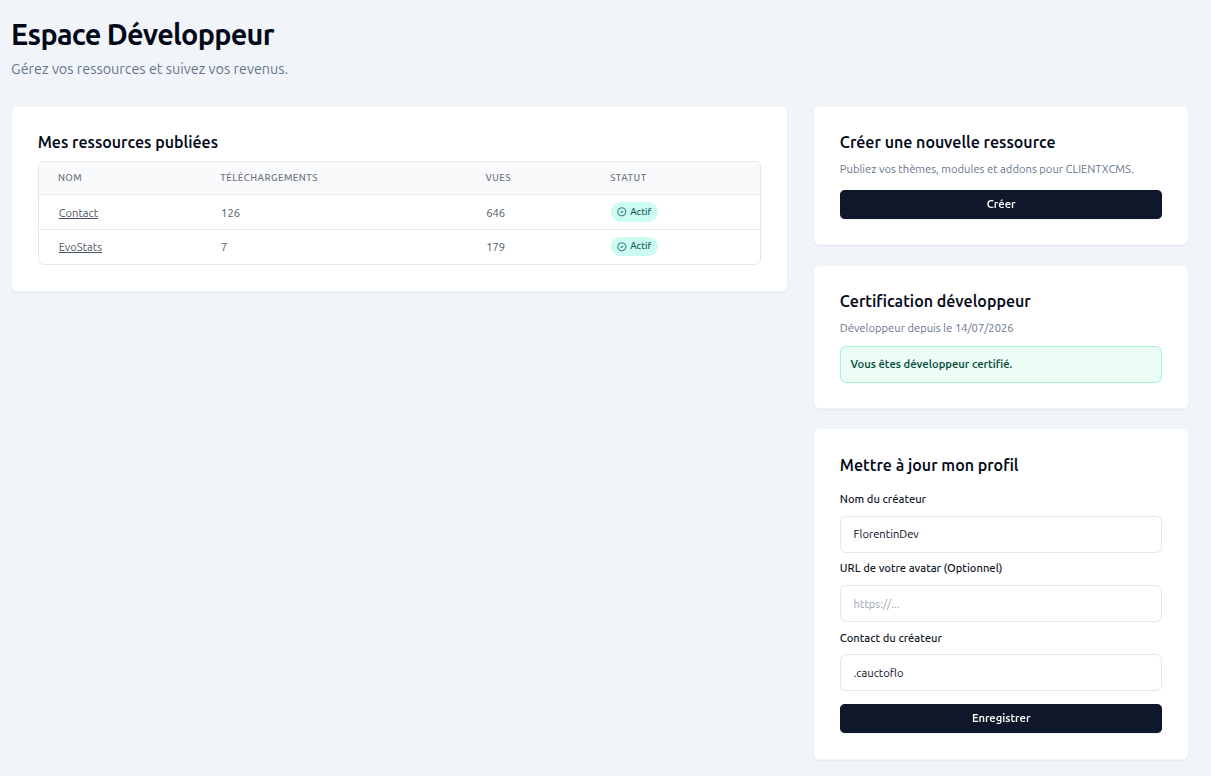
The developer dashboard centralizes your published resources and profile. For every resource, it displays the number of downloads, views, and its current status. You can also check your developer certification, update your public profile, open an existing resource, or create a new one.
Certification and Paid Resources
You must be a certified developer to set a price and sell a resource. Request certification from your developer area and confirm that you are able to issue invoices so CLIENTXCMS can pay out your earnings. Complete this step before submitting a paid theme, module, or addon.
Free resources do not require you to enter a selling price.
Creating a Resource
Select Create from the developer dashboard, then complete the common fields.
Basic Information
| Field | Description |
|---|---|
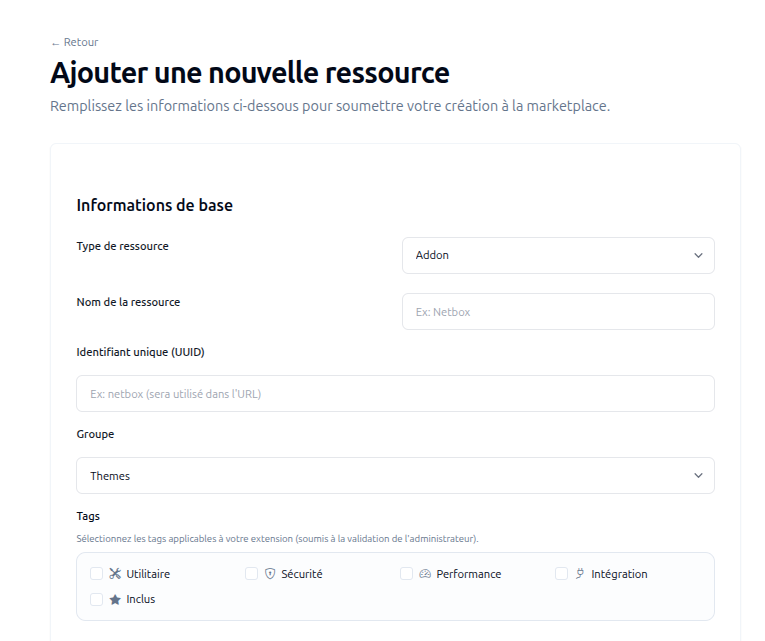
| Resource type | Select Theme, Module, or Addon. This choice determines the technical fields shown later. |
| Resource name | Public and readable product name. |
| Unique identifier (UUID) | Stable lowercase identifier used in the marketplace URL and by the resource. Do not change it after publication. |
| Group | Marketplace category that best matches the resource. |
| Tags | Relevant features such as utility, security, performance, integration, or included content. Tags remain subject to administrator approval. |
The UUID must match the identifier used by the code and its installation folder. Refer to the specialized guide for the exact convention of your resource type.
Content and Media
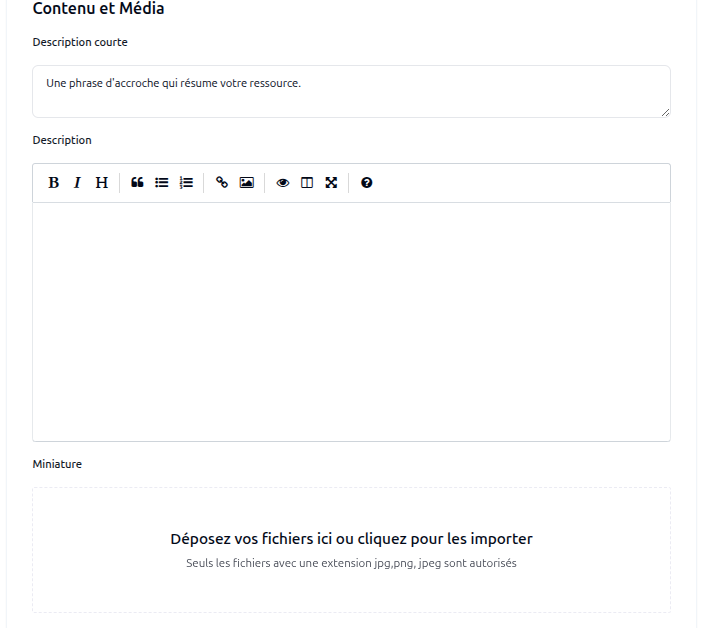
- Short description: one clear sentence summarizing the resource and its main benefit.
- Description: explain the use case, main features, requirements, installation, configuration, and support conditions. Use headings, lists, links, and screenshots to make it easy to scan.
- Thumbnail: upload a clear JPG, PNG, or JPEG image that identifies the resource at marketplace-card size.
Only promise features that are included in the submitted version. Never put credentials, API keys, or other secrets in the description or screenshots.
Submitting and Maintaining Your Resource
Review the metadata, content, image, technical fields, and price, then select Submit resource for validation. The resource status is available from your dashboard.
After publication:
- Keep the marketplace description, compatibility information, documentation, and support contact current.
- Test every archive on a clean compatible CLIENTXCMS installation.
- Create a new version from the CLIENTXCMS developer interface for each update and provide useful release notes.
- Update the marketplace resource rather than creating a duplicate listing.
- Never reuse an existing version number for different code.
Creating a Version
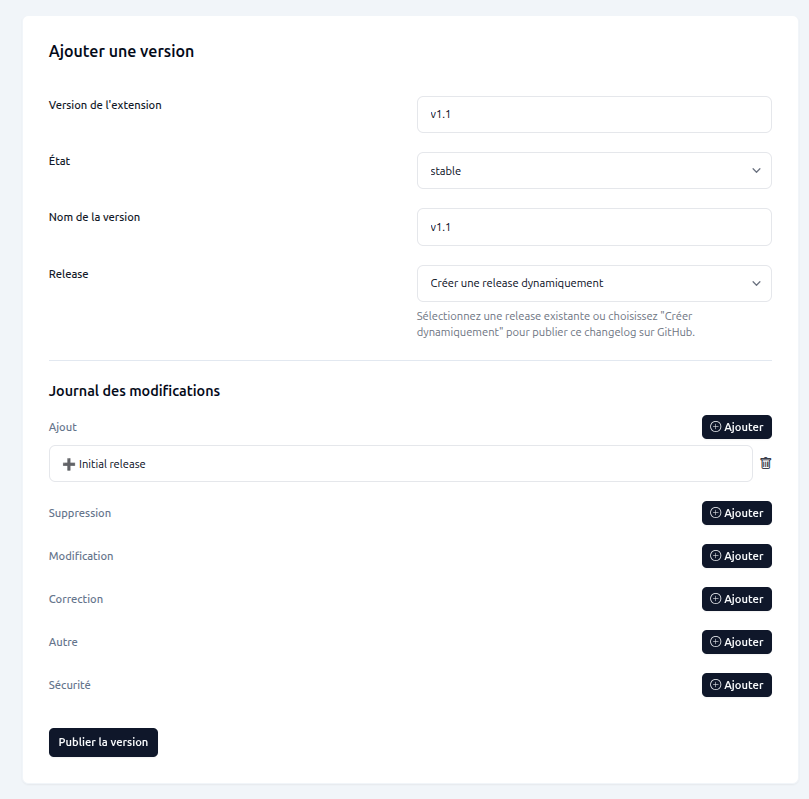
Create and publish resource versions directly from the CLIENTXCMS developer interface. Open the existing resource, select the option to add a version, then complete:
- Extension version: technical version identifier, for example
v1.1; - State: release state, such as stable;
- Version name: public name displayed for the version;
- Release: select an existing GitHub release or choose Create a release dynamically so the interface publishes the changelog to GitHub;
- Changelog: add entries under Addition, Removal, Change, Fix, Other, or Security.
Review the changelog and select Publish version. Do not create another marketplace resource for an update and do not reuse a version number for different code.
GitHub remains the recommended place to host and maintain the source, but marketplace versions are managed from the CLIENTXCMS interface. The extension guide and theme guide provide the expected repository structures.